
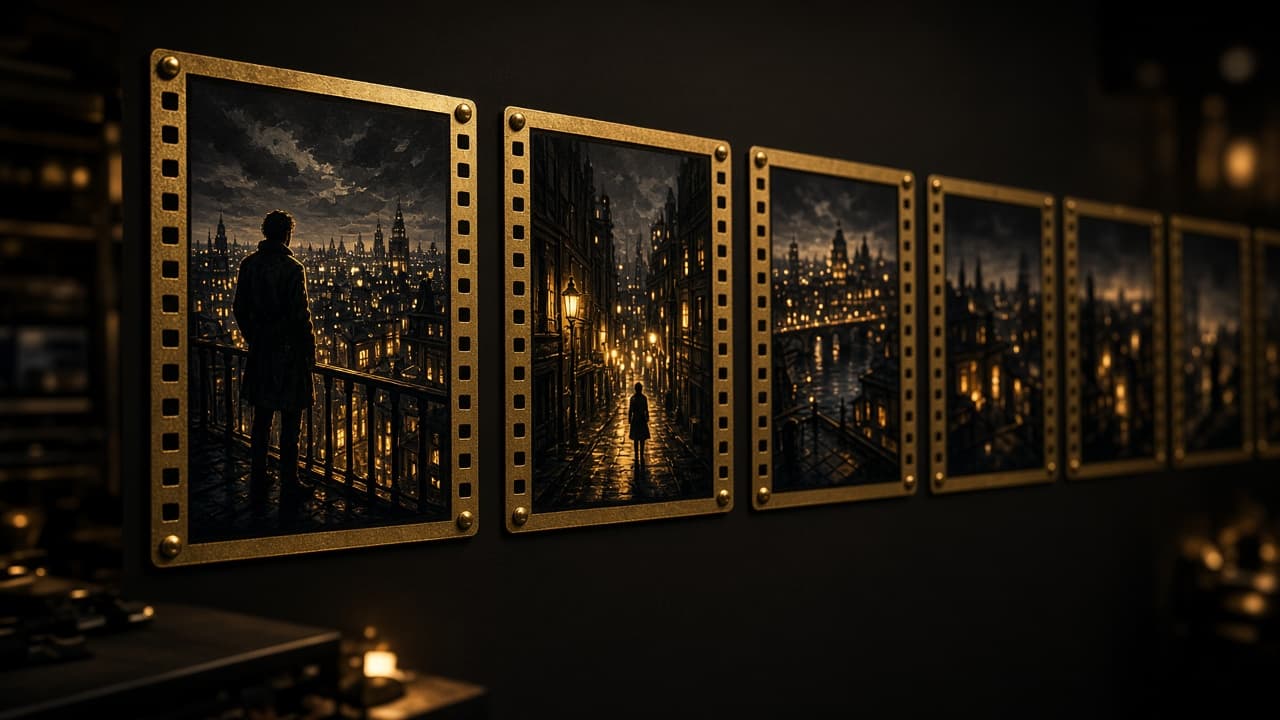
Plan
It reads the screenplay into scenes, shots, camera notes, and cue boundaries. You approve the plan before any paid generation.
Fakelit-powered generator
The EG Way is its own video generator. Fakelit powers it. You bring a screenplay, the original audio, and the references. The generator plans the shots, holds the soundtrack still, and assembles a private animated draft.
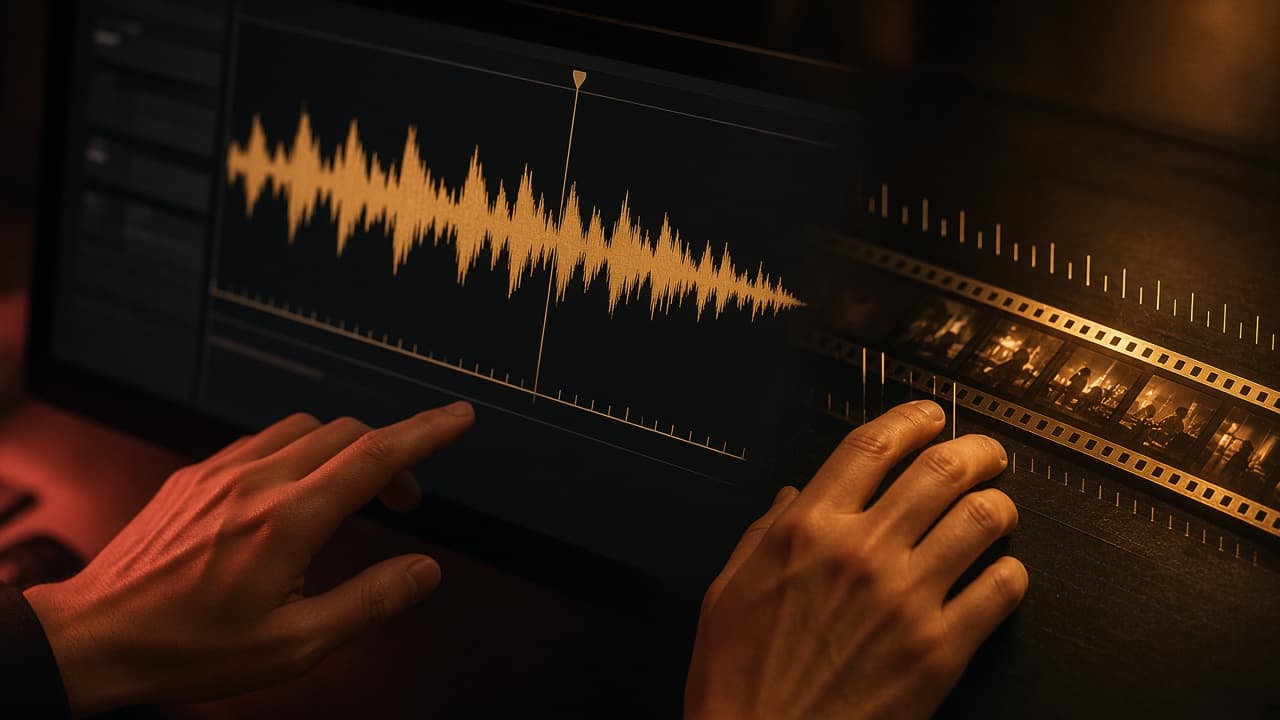
 Timing board · provisional cues
Hard cuts on a frame grid. The soundtrack stays on its own track. A labeled placeholder is not a finished film.
The generator
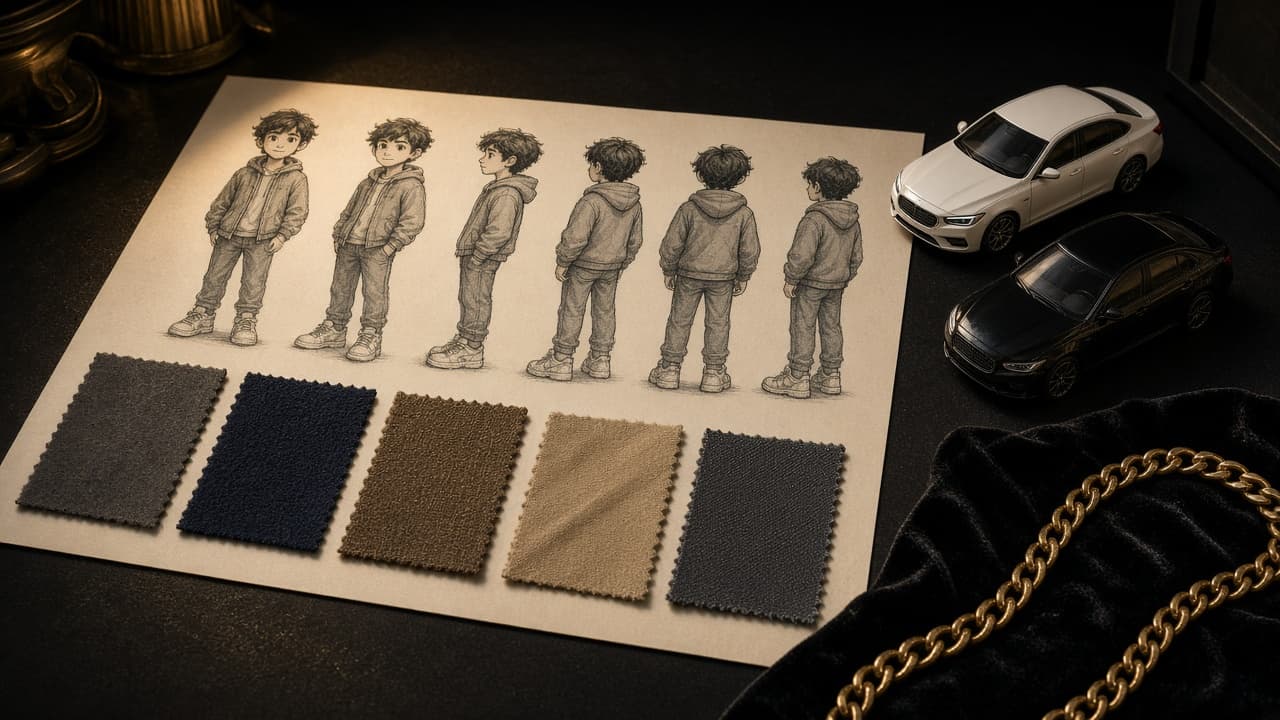
The generator turns a written scene into picture that stays locked to the song you uploaded. It keeps each character, location, and vehicle as a versioned reference, proposes a shot list, and builds the cut from those approved shots. A film title stays separate from the generator title, The EG Way a Fakelit Video Studio.
It reads the screenplay into scenes, shots, camera notes, and cue boundaries. You approve the plan before any paid generation.
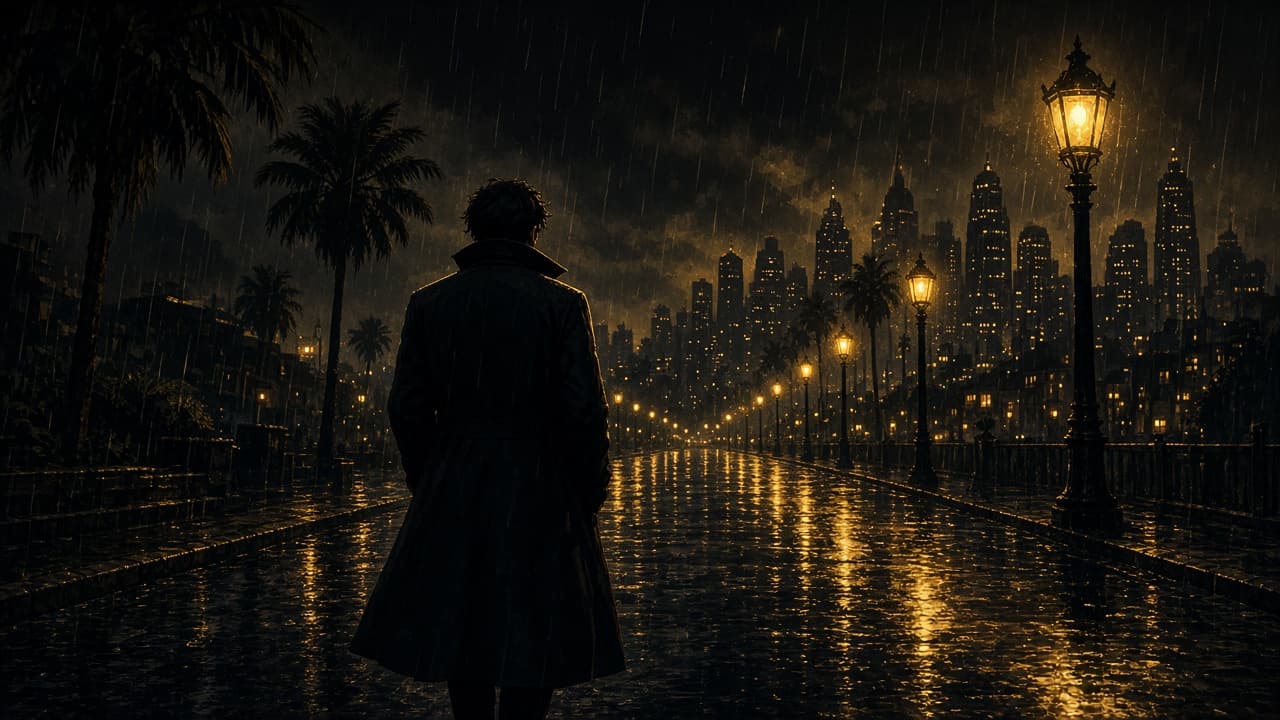
Each shot starts from an approved still. Motion is generated from that frame, so a character tag is not guessed again inside the video.
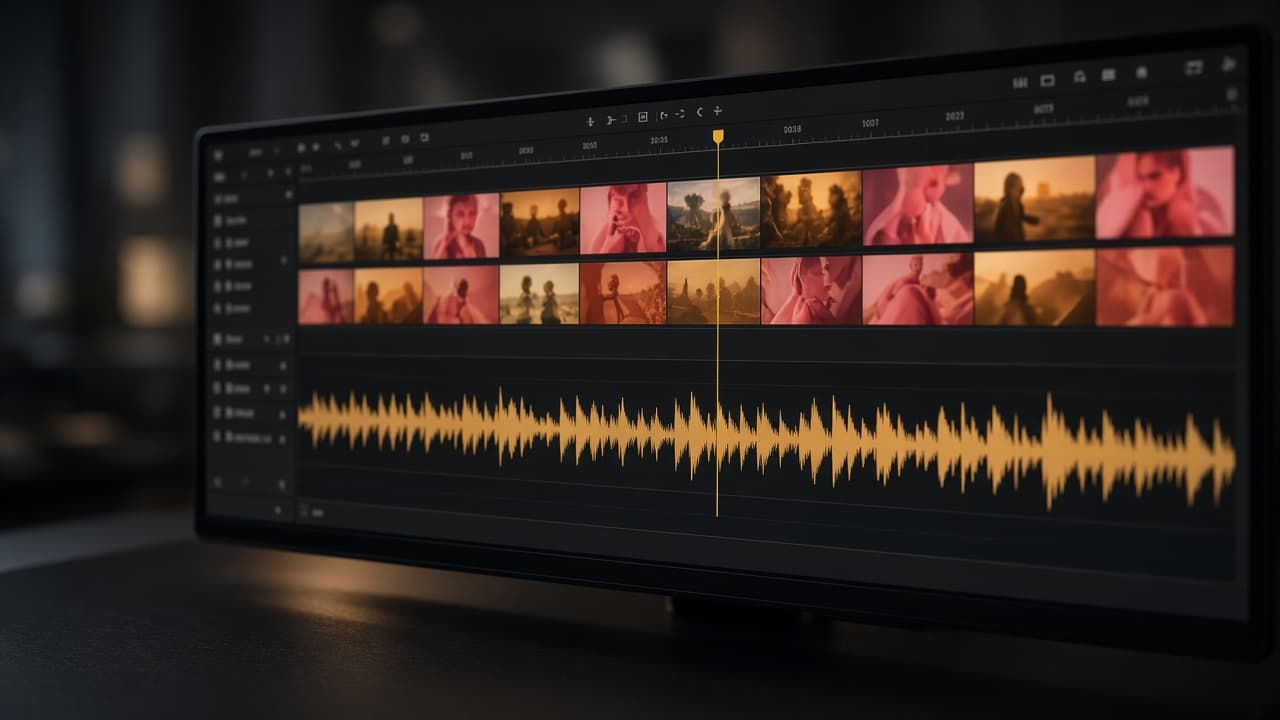
Clips land on a frame grid. The original audio stays on its own track, with its tempo, pitch, and ending left alone.
Instruction
Runway Academy’s “How to Turn an Image into an Entire Story with Story Panels Workflow” is the clearest public lesson for this method. One reference becomes a set of panels, then an approved frame is animated. That is the same order this generator uses.
The lesson is Runway’s. This release of the generator stores an offline plan on this browser and does not render a clip yet.
Four steps. A spend cap sits in front of every paid call.
Step 1
A screenplay, creative instructions, the original audio, and reference images for the cast, places, and vehicles.
Step 2
Cue boundaries stay provisional until you accept them. The generator will not spend past the cap you set.
Step 3
The still is composed from the references first. That image, plus a motion note, is what becomes the shot.
Step 4
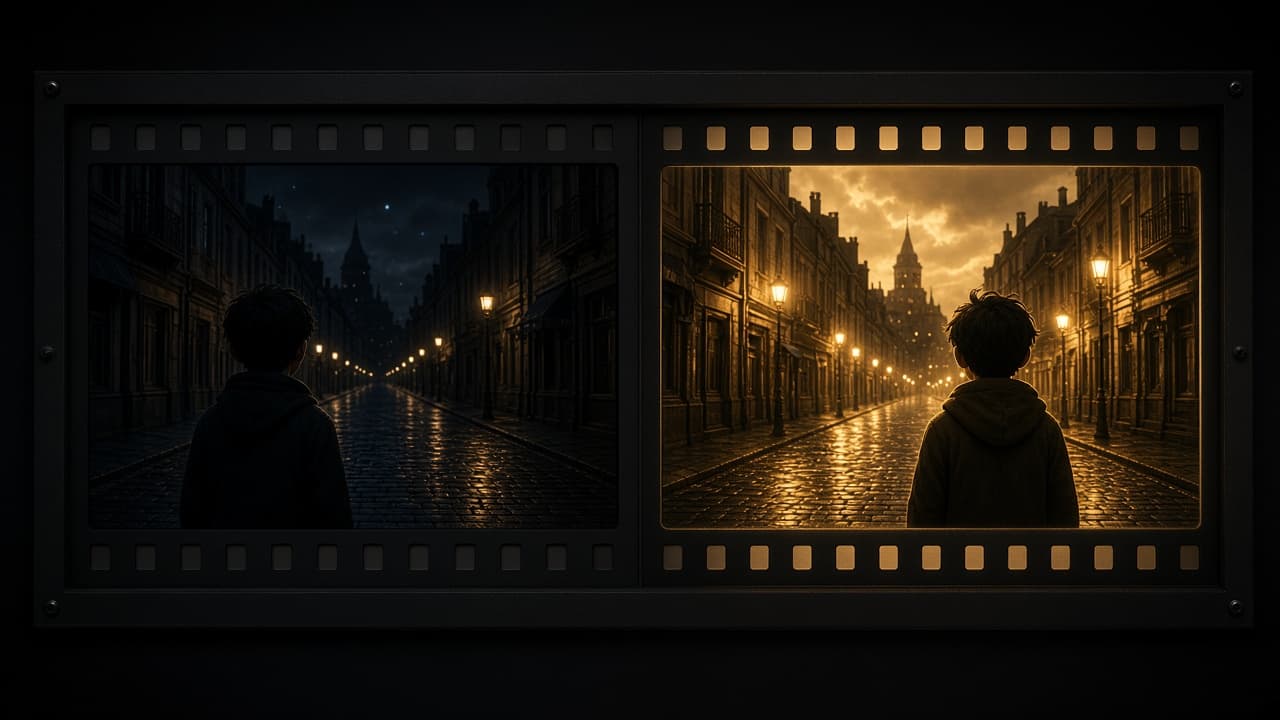
A failed take can be swapped. Shots you already approved stay in the cut.
The generator keeps the plan, the references, the timing board, and the export in one project. Fakelit is the platform underneath. Fakelit is the first website, app, and game development platform all in one. Apps built on Fakelit can be published to the Google Play Store and the Apple App Store.
Structured scene, shot, and continuity notes stay separate from approved assets.
Picture uses integer frames. The soundtrack keeps its tempo, pitch, and order.
Character and vehicle versions are immutable. A new face invalidates dependent shots only.
Preview and final MP4s stay private until a separate rights review authorizes release.
No. The studio stores a local project and can build an offline dry-run plan. Moving video, provider tasks, and MP4 assembly stay off until credentials and a spend authorization exist.